
We’ve launched a new integration with Liongard that makes it easier to keep your asset lists accurate and actionable in Lifecycle Manager, especially for managed Chromebooks. In just a few minutes, you can connect Liongard and start syncing devices automatically, no spreadsheets required.
What you get with the Liongard integration:
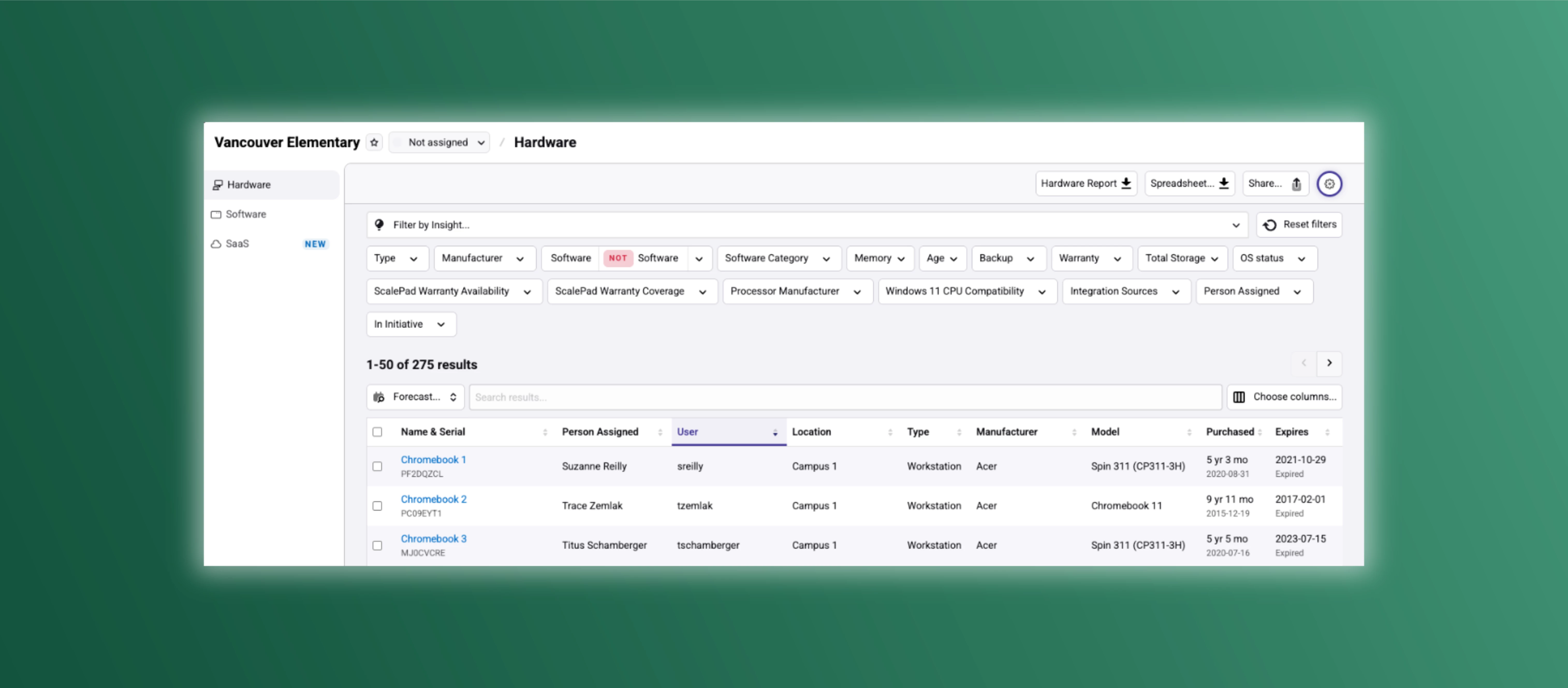
- Automatic asset sync: Liongard-managed devices flow into Lifecycle Manager as hardware assets, giving you a single source of truth.
- Chromebooks in your lifecycle plan: Bring managed Chromebooks into the same refresh, budgeting, and QBR workflows as the rest of your fleet.
- Lifecycle and warranty visibility: Devices are enriched with purchase and warranty details, helping you see what’s aging out or out of warranty.
- Faster QBR reporting: Cleaner data from Liongard + lifecycle insights in LM = less time chasing CSVs and reconciling tools.
Getting started
If you’re already using Liongard and Lifecycle Manager, you can enable the integration from the Integrations page in LM and be up and running in minutes (see the Integrating with Liongard help article for step-by-step guidance).
Have ideas for deeper Liongard reporting or additional use cases? Drop your suggestions here in the community!
