
Question

CW Manage Product Field visible/editable in Quoter - "Integration Cross Reference" for accounting

  • January 15, 2026
  • 3 replies
  • 15 views

Forum|alt.badge.img+1

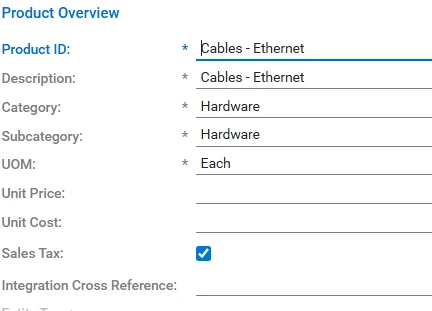
For accounting purposes, we are looking to add a GL code to items we quote clients. When adding products from the “Product Cloud”, are we able to see/update the products “Integration Cross Reference” field for CW Manage?

I do not see that field event when I add a product from the CW Manage either.

Is there a way to see/modify a default product field from CW Manage in Quoter for accounting purposes.


3 replies

Ash Welsh
Community Manager
Forum|alt.badge.img+2
  • Community Manager
  • January 15, 2026

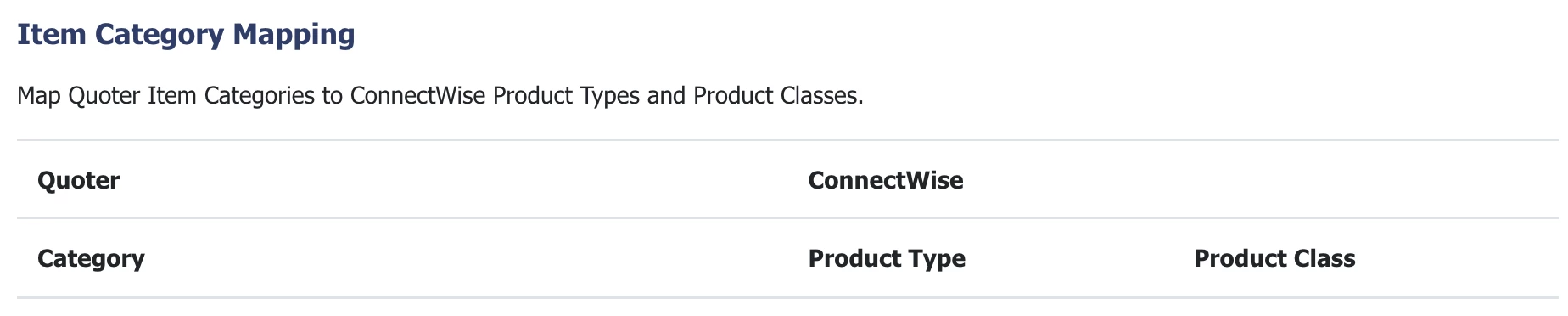
Hi ​@itguy, I believe in CW CPQ GL codes are tied to the product category. You can map CW CPQ categories to Quoter categories in Quoter’s integration settings page for the CW integration.


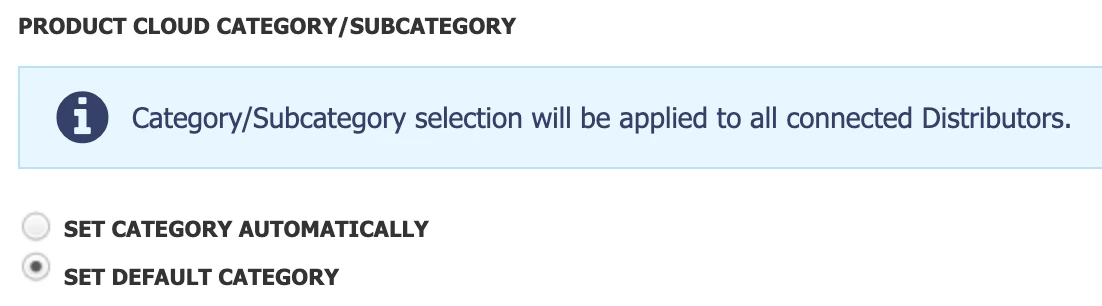
You can also set a default catch-all category for line items being added from Product Cloud in Settings > General. 


This should help ensure your Quoter line items are mapping correctly to your GL.

Hope that helps.
Ash


Forum|alt.badge.img+1
  • Author
  • New Member
  • January 15, 2026

Yes, CW does use GL’s in the way you describe. It  requires integrating an accounting package and there are extra costs.

My request is a simpler way for us to monitor through an already available field. Is it possible for Quoter to show a default and already available product field from CW products?


Ash Welsh
Community Manager
Forum|alt.badge.img+2
  • Community Manager
  • January 15, 2026

Hi ​@itguy, I don’t think we have a way to support this but I may not be fully understanding the ask. If you want to share a detailed screen recording with me (ash.welsh@scalepad.com) going through exactly what you’re trying to achieve I’ll brainstorm internally to see what we can do.